
 Español
 Italiano
 Polski


Does Office 2010 work on Windows 10 and Windows 11? What to check before installation?
- 10 Jul, 2026
- Home
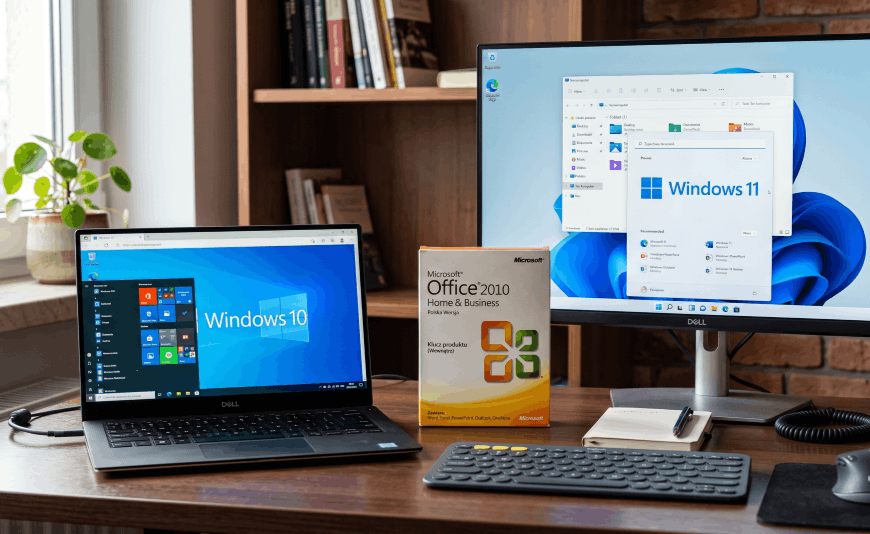
Many people use legitimate older versions of office software on their computers and wonder whether Office 2010 works on Windows 10 and Windows 11. Although the suite is no longer developed by Microsoft, it can still be installed and used on newer versions of Windows in many cases. Before installing it, it is worth checking compatibility, system requirements, and the activation process.
Office 2010 and Windows 10 - Compatibility and Everyday Use
Office 2010 generally works well with Windows 10. Many users continue to use the suite on this operating system without significant issues. However, it is important to remember that Microsoft no longer guarantees full compatibility after subsequent Windows updates.
Office 2010 compatibility with Windows 10 mainly depends on:
- installing all available updates for Office 2010,
- using a genuine version of the software,
- activating the product correctly,
- matching the 32-bit or 64-bit version to the operating system.
Office 2010 and Windows 11 - Does the Older Suite Still Work?
Even more questions arise when installing Office 2010 on Windows 11. While this is possible, Microsoft does not officially support this configuration. This means the software may function correctly, but Microsoft does not provide compatibility updates for new Windows 11 features.
Office 2010 System Requirements and Compatibility with Modern Hardware
Although Office 2010 has relatively modest system requirements, this does not guarantee full compatibility with every computer. The suite was designed for operating systems released many years ago, so it may encounter issues related to modern Windows security features.
Before installation, it is recommended to check:
- the operating system architecture,
- available disk space,
- the Office installer version,
- whether you have a genuine product key,
- administrator account access.
Installing Office 2010 on Windows 11 and Activating the Software
Installing Office 2010 on Windows 11 is usually straightforward. However, in some cases, you may need to run the installer with administrator privileges or use compatibility mode. This mainly applies to older installation media.
Problems installing Office 2010 on a new computer are most often caused by incompatibility between the older installer and current Windows security mechanisms, or by missing system components. Installation issues may also result from remnants of previous Office versions still present on the computer or from damaged installation media.
Does Office 2010 Work on Windows 10 and Windows 11? What Should You Check Before Installation?
Before starting the installation, make sure your computer meets the system requirements, you have a valid product key, and the operating system is properly prepared. Office 2010 compatibility with Windows 11 is limited due to the lack of official Microsoft support. If you plan to use the software for many years, upgrading to a newer Office version is worth considering. However, in many cases, Office 2010 still provides a reliable environment for working with documents on both Windows 10 and Windows 11.






