
 Español
 Italiano
 Polski


Why Windows 11 Home Remains a Popular Choice for Everyday Computing
- 15 Jun, 2026
- Home
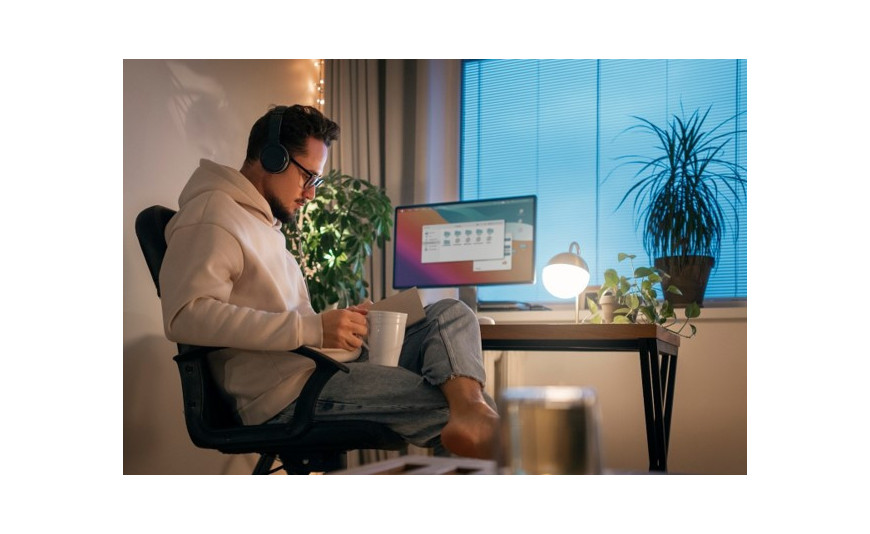
Have you ever noticed how easy it is to get sucked into buying the most expensive version of a product, only to realise later that you do not use half of the features? This happens constantly with computer software. Many people assume they need the high-end commercial edition of an operating system just to run a standard home PC or a casual gaming setup. The truth is that windows 11 home handles daily workloads beautifully without making you pay a massive premium for complicated corporate networking tools.
This deep dive looks at why this specific software edition continues to dominate the consumer market. You will learn what features actually matter for your daily routine and how to get a genuine license without overspending.
The Perfect Balance of Performance and Simplicity
Most computer users want a system that boots up fast, runs their favourite programs smoothly, and stays out of the way. The standard consumer version of the software uses the same core speed engine as the expensive business edition.
Your PC will load video games, stream high-definition movies, and open web browsers at the same speeds regardless of whether you use the Home or Pro version. The software layout is streamlined to keep background operations lightweight. This means your computer resources are focused entirely on what you are actively doing, rather than running hidden enterprise security protocols that you do not actually need in a household setting.
Built-In Features That Regular Users Actually Love
Instead of packing the system with complex remote management tools, Microsoft focused heavily on improving the daily user experience for standard computers.
Enhanced Gaming Integration
Gamers make up a massive chunk of the user base for this operating system version. Features like Auto HDR instantly upgrade the visual colours of older video games without manual tweaking. DirectStorage technology passes gaming data straight to your graphics card, cutting loading screens down to almost nothing.
Seamless Android App Support
Running your favourite mobile phone applications right on your desktop monitor is an absolute game-changer. The Amazon Appstore integration lets you play mobile games or check smart home apps without constantly reaching for your phone. It brings a level of cross-device convenience that old operating systems completely lacked.
Smart Savings with Global Digital Product Codes
Buying a retail box at traditional electronics store usually comes with an inflated price tag. Savvy computer builders choose alternative digital licensing channels to get their systems activated legally for a fraction of the cost.
- Understanding the Licensing Options:
- The Worldwide Retail Path: Picking up a windows 11 home online key global license gives you a highly flexible digital code. You can move this specific activation string from an old computer to a brand new one if you decide to upgrade your hardware in a few years.
- The Hardware-Specific Path: Choosing a window 11 home oem key global license saves you even more money upfront. This product code permanently links itself to your computer motherboard on the first activation, making it perfect for custom PC builds that you plan to keep for a long time.
- Essential Everyday Security Essentials:
- Windows Defender Antivirus: This built-in security shield works silently in the background to block malware, phishing scams, and ransomware without requiring a paid subscription.
- Windows Hello Biometrics: You can skip typing long passwords entirely by logging in instantly using secure facial recognition or a quick fingerprint scan.
Why Sticking to the Essentials Makes Perfect Sense
windows 11 home oem key global Paying double the price for a commercial operating license just to browse the web or write school essays is a massive waste of resources. The advanced business features found in alternative editions focus almost entirely on managing hundreds of corporate computers over a single office network. If you do not have an IT department managing your living room desktop, those extra menu options will just sit there collecting digital dust. Sticking to the consumer edition keeps your computer simple, clean, and far easier to configure.
Conclusion
The baseline version of this modern operating system continues to hold its ground because it gives everyday users exactly what they need without the corporate fluff. It delivers top-tier gaming tech, reliable security defences, and a polished user interface that makes computing genuinely fun. When you are ready to build a new system or remove that annoying activation watermark from your current desktop screen, Key-soft provides 100% genuine global license codes with immediate digital delivery to get your PC fully activated instantly.
FAQs
Does the home version have a memory limit for computer hardware?
Yes, the system supports up to 128 GB of RAM. While corporate editions can handle terabytes of memory for heavy servers, 128 GB is vastly more than enough for everyday multitasking, heavy video editing, and running the most demanding video games on the market today.
Can I change a global product key if I move to another country?
No change is necessary. Because global license codes are entirely region-free, your software will remain perfectly active and receive normal system updates no matter where you travel or relocate in the world, as long as you have an active internet connection.
Is BitLocker device encryption available on this specific software edition?
Full BitLocker drive management is reserved for commercial versions, but the consumer edition includes a streamlined feature called Device Encryption. This tool automatically scrambles your data using your Microsoft account login to protect your files if your laptop gets physically lost or stolen.
What is the easiest way to activate the software after a clean installation?
You just need to open your system settings app, select the activation tab, and paste your digital product code into the text box. The computer will communicate with the online verification servers and unlock your full operating system within a matter of seconds.






