Español
 Italiano
 Polski


Office 365 or Office 2024 - which is more cost-effective?
- 08 May, 2026
- Home
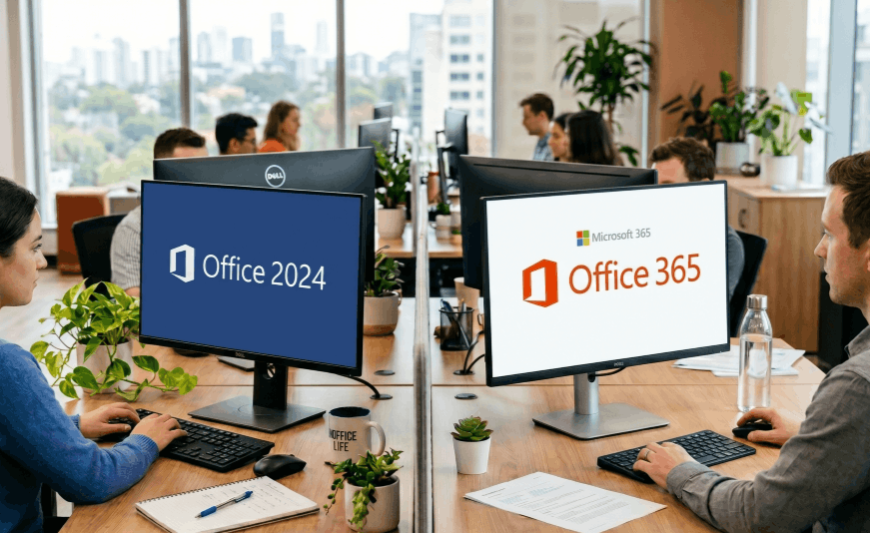
Choosing an office suite increasingly comes down to a decision between a subscription model and a one-time purchase. This raises an important question: Office 365 or Office 2024 - which is more cost-effective? The answer depends on your working style, expectations regarding features, and your approach to long-term costs.
Office 365 vs Office 2024 - payment model and access to updates
The biggest difference lies in the licensing model. Office 365 operates on a subscription basis – a monthly or annual fee provides continuous access to the latest versions of applications. In practice, this means there is no need to purchase subsequent editions, as everything is updated within the subscription.
Office 2024, on the other hand, is a disposable purchase. After buying it, the user gains access to a specific version of the suite without further payments, but also without access to new features introduced in future updates.
In practical terms, Office 365 may appear cheaper upfront, but the cost is recurring. Office 2024 involves a higher initial expense, but it is paid only once.
Differences between Office 365 and Office 2024 in everyday use
In daily work, the differences become particularly noticeable in teamwork and mobility. Office 365 offers cloud integration, real-time file collaboration, and access from multiple devices.
Office 2024 works primarily offline. Files are saved locally on the computer, and collaboration requires manual sharing.
Key differences include:
- access to online applications
- ability to work across multiple devices
- real-time collaboration features
- automatic cloud saving
Comparing Office 2024 and Office 365 in terms of features and tools
The subscription version is continuously developed. Users receive new features, AI-powered tools, and enhancements in applications such as Word and Excel.
Office 2024 provides a stable set of features, but without further development after purchase. For some users, this is an advantage - a consistent and predictable work environment.
What to choose - Office 365 or 2024 for individual and business use
The right choice depends on how the software is used. For individual, occasional use, Office 2024 is often more cost-effective - a one-time purchase eliminates recurring payments.
Businesses and remote workers, however, will benefit more from Office 365. Data synchronization, multi-device access, and easy document sharing significantly improve workflow efficiency.
Is Office 2024 still worth buying with the growing popularity of subscriptions?
Purchasing Office 2024 still makes sense, especially when the software is used in a limited scope. No subscription means full control over expenses.
However, as online tools and cloud integrations continue to evolve, more users are choosing subscription models. Functionality and convenience are starting to outweigh the one-time cost.
Office 365 or Office 2024 - which is more cost-effective in the long run?
A long-term cost analysis shows that Office 365 can become more expensive over time. On the other hand, it offers access to up-to-date tools and greater flexibility.
Office 2024 is a more static and financially predictable solution. It works well in scenarios where there is no need for new features or cloud-based work. It is a solid option for users who plan to use the same set of applications for many years.
The answer to which option is more cost-effective should always be based on actual user needs, not just the initial price.