
 Español
 Italiano
 Polski


Windows 10 Enterprise Features That Improve Workplace Productivity
- 16 Jun, 2026
- Home
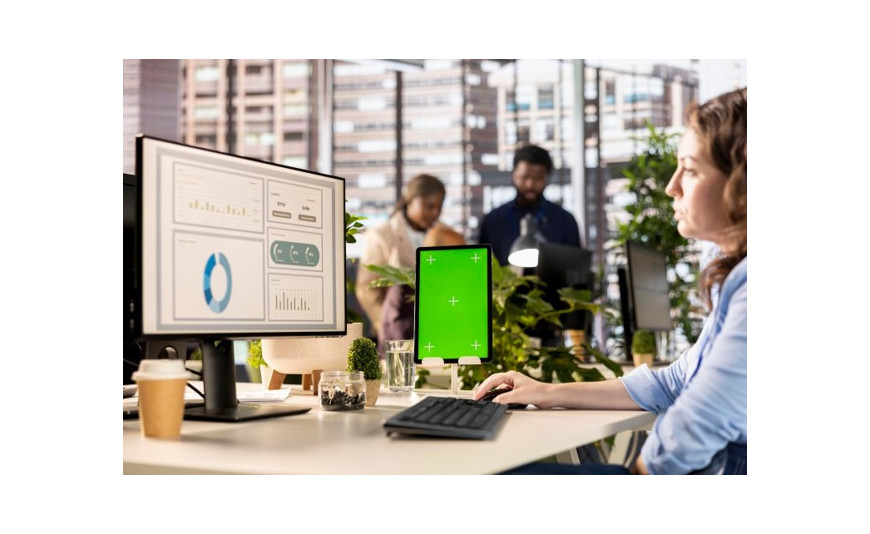
Have you ever spent your morning waiting for a slow computer update to finish right before a major client presentation? Lost minutes and technical hiccups cost modern offices a massive amount of output every single working week. Many corporate teams try to get by using standard computer packages, only to find out that their staff is constantly wrestling with system slowdowns, data blocks, and messy remote setups. Switching your workstation network over to windows 10 enterprise completely changes your daily workflow by unlocking advanced backend systems designed to remove tech friction and keep your employees focused on their actual jobs.
This Blog highlights the heavy-duty features that supercharge daily office workflows, simplify machine management, and explain why this specific edition outperforms typical consumer setups.
Advanced Virtualization Tools That Save Time
Running multiple software testing environments or opening suspicious files used to require an entirely separate physical computer lab. The enterprise operating framework solves this by putting powerful, isolated virtual desktops right onto your main hardware.
With the built-in Application Guard layout, employees can open unknown web links or untrusted documents inside a secure, virtualised chamber. If a file contains hidden malware, it is trapped inside that isolated pocket and cannot touch the core operating system. This saves hours of technical troubleshooting and prevents catastrophic network infections. Furthermore, developers and database admins can use Hyper-V virtualisation to run different software builds side by side on a single screen, accelerating project testing cycles significantly.
Smooth Remote Workflows for Hybrid Teams
The modern workplace is no longer tied to a single corporate building floor. Staff members need to connect from home offices, hotels, and satellite locations without dealing with clunky, dropping connection links.
While standard versions like windows 10 professional offer basic remote pairing tools, the enterprise edition elevates connectivity with DirectAccess. This utility creates a secure, automated pathway back to the main office network the second an employee opens their laptop anywhere in the world. There is no need to click into a slow, multi-step third-party virtual private network client every single morning. Your team can access centralized file shares and internal company portals instantly, maintaining the exact same fast workflow they enjoy when sitting right at their office desks.
Complete Operational Control and Mass Customisation
Tech disruptions often happen because a computer starts an automatic reboot during the middle of a busy workday. Enterprise deployment tools give network managers total authority to schedule system maintenance during off-peak hours.
- Fleet Customisation Highlights:
- Unified Write Filter: This tool protects your core storage configurations by redirecting all hard drive changes to a temporary overlay virtual space. A quick system reboot wipes the overlay clean, which is perfect for maintaining public information screens or shared office kiosks.
- Managed App Control: Network administrators can pre-approve specific programs, ensuring employees only open optimised business utilities while blocking unauthorised background software that hogs system memory.
- The LTSC Support Channel: The Long-Term Servicing Channel allows companies to install a hyper-stable version of the system that skips non-essential feature upgrades entirely, focusing purely on critical security patches for years.
- Data Protection Essentials:
- Advanced BitLocker Controls: This system-wide utility encrypts entire hard storage volumes automatically, shielding your corporate metrics even if an active work device is misplaced or stolen.
- Information Protection Analytics: It monitors data movement across different applications, stopping employees from accidentally pasting internal corporate strategies into external messaging tools.
Maximising Your Office Tech Budget
Sticking with basic consumer versions eventually forces your business to buy costly separate utilities for device management, system tracking, and remote encryption. Investing in high-grade windows software platforms unifies your entire digital architecture under one single roof. Your technical teams spend less time fixing individual computer errors, your data remains shielded from malicious cyber-attacks, and your employees enjoy a fast, reliable desktop environment that stays out of their way. The worldwide compatibility of these digital activation codes ensures you can scale up your entire hardware fleet across multiple office locations without hitting regional roadblocks.
Conclusion
Unlocking peak office output requires an operating framework built to handle heavy administrative management and secure remote connections smoothly. The enterprise edition removes daily technology headaches, keeps corporate files safe, and provides the exact deployment stability that expanding companies need to thrive. When your organisation is ready to upgrade its workstation fleet and streamline daily operations, Key-soft offers authentic, budget-friendly global product codes with instant digital delivery to transform your company infrastructure immediately.
FAQs
How does the enterprise edition differ from standard professional software?
The professional edition is built for small businesses and lacks large-scale management features like DirectAccess automated remote pairing, AppLocker application blocking, and the ultra-stable Long-Term Servicing Channel. The enterprise edition adds these advanced tools to help IT managers control thousands of separate computers from one single master dashboard.
Can I upgrade my office computers without losing employee files?
Yes, you can easily perform an in-place upgrade on your existing computer hardware. The installation process safely upgrades the underlying system core files and unlocks the corporate management menus while keeping all your business documents, local applications, and user personalization choices completely intact.
What is the advantage of using the Long-Term Servicing Channel?
The LTSC framework is ideal for critical machines that cannot risk unexpected software changes, such as medical equipment or factory floor computers. It provides a highly stable operating space that ignores standard, non-essential feature updates for up to ten years, receiving only critical security emergency fixes.
Do global activation keys require a constant internet connection to stay active?
No, the computer only needs to connect online once during the initial activation sequence to validate the global product code with the official registration servers. After that initial handshake is complete, the operating system remains fully active and functional without needing regular internet checks.






